Guide for Installing the Android APK (APP)

Steps to Follow:
Before starting the installation process, kindly ensure that you grant the necessary permissions for it to run:
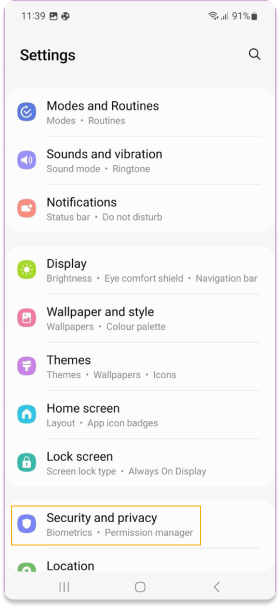
- Go to the “Settings” mode on your device.
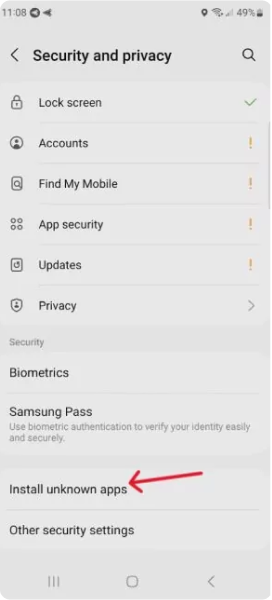
- Choose the “Security” option, which might also be indicated as “Security & Privacy” or “Privacy”.
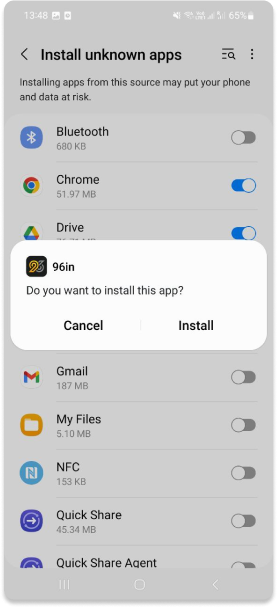
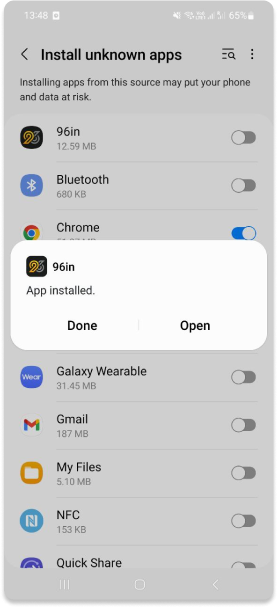
- Activate the option to install apps from unknown sources. This will permit you to install applications from locations outside the official app store.
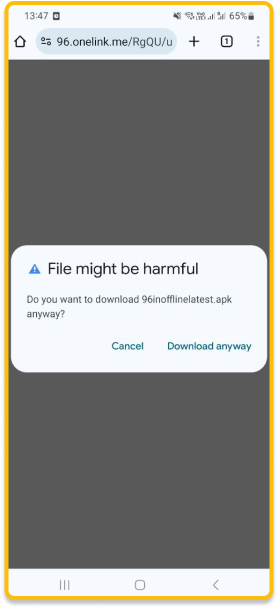
- Open the file you downloaded from the website.
- Wait for the installation process to complete.
- Sometimes, it is advisable to reboot the device in order to initiate the program correctly.